Landing Targets
A landing target is a structured pattern of fiducial markers detected by the Landmark module, which reports the target’s position to the flight controller. Pre-made targets can be downloaded below, and the Landing Target Configurator can be used to create custom targets.
Landing Target Configurator
Create custom landing targets using the web-based configurator.
See Custom Landing Targets for complete instructions on creating and configuring a custom landing target.
Pre-Made Landing Targets
Print landing targets at 100% scale. Do not use “Fit to page,” “Scale to fit,” or another automatic scaling option.
After printing, measure the target's outer dimensions and confirm that they match the specified dimensions. An incorrectly scaled target can reduce landing accuracy.
Pre-made landing target compatibility depends on the firmware version installed on the Landmark module. To check your firmware version or update the firmware, see Firmware Update.
| Firmware version | Default target | Notes |
|---|---|---|
| v1.1.0 and later | Bullseye | Bullseye is enabled by default. A4 Max and Fibonacci require configuration and use a different marker family from Bullseye, so they must not be enabled alongside the default Bullseye target. See Custom Landing Targets. |
| v1.0.0 | A4 Max and Fibonacci | A4 Max and Fibonacci are enabled by default. Bullseye is not compatible. |
Bullseye
Bullseye is the default landing target for firmware v1.1.0 and later.
Bullseye is not compatible with firmware v1.0.0.
- 32 mm × 32 mm: SVG · Letter PDF · A4 PDF
- 80 mm × 80 mm: SVG · Letter PDF · A4 PDF
- 200 mm × 200 mm: SVG · Letter PDF · A4 PDF
- 500 mm × 500 mm: SVG · A1 PDF
- 1250 mm × 1250 mm: SVG
- 3125 mm × 3125 mm: SVG
A4 Max
A4 Max is enabled by default in firmware v1.0.0.
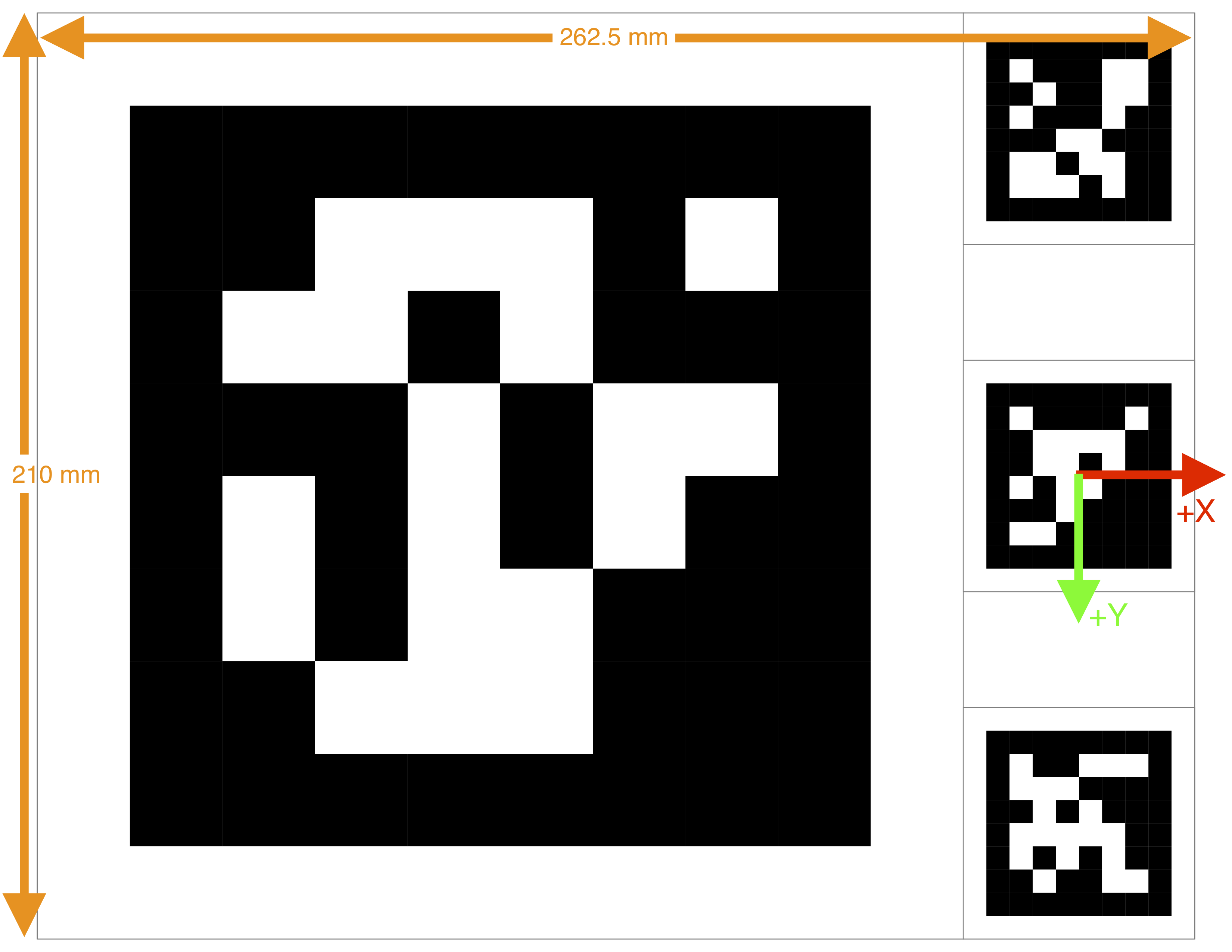
The A4 Max target fills a standard A4 sheet. It is well suited for maximizing detection range when printing on A4 or Letter paper.
- 52.5 mm × 52.5 mm: SVG · Letter PDF · A4 PDF
- 262.5 mm × 210 mm: SVG · Letter PDF · A4 PDF
In the image below, the red and green arrows denote the origin, (0, 0), and the orientation of the landing target.
Fibonacci
Fibonacci is enabled by default in firmware v1.0.0.
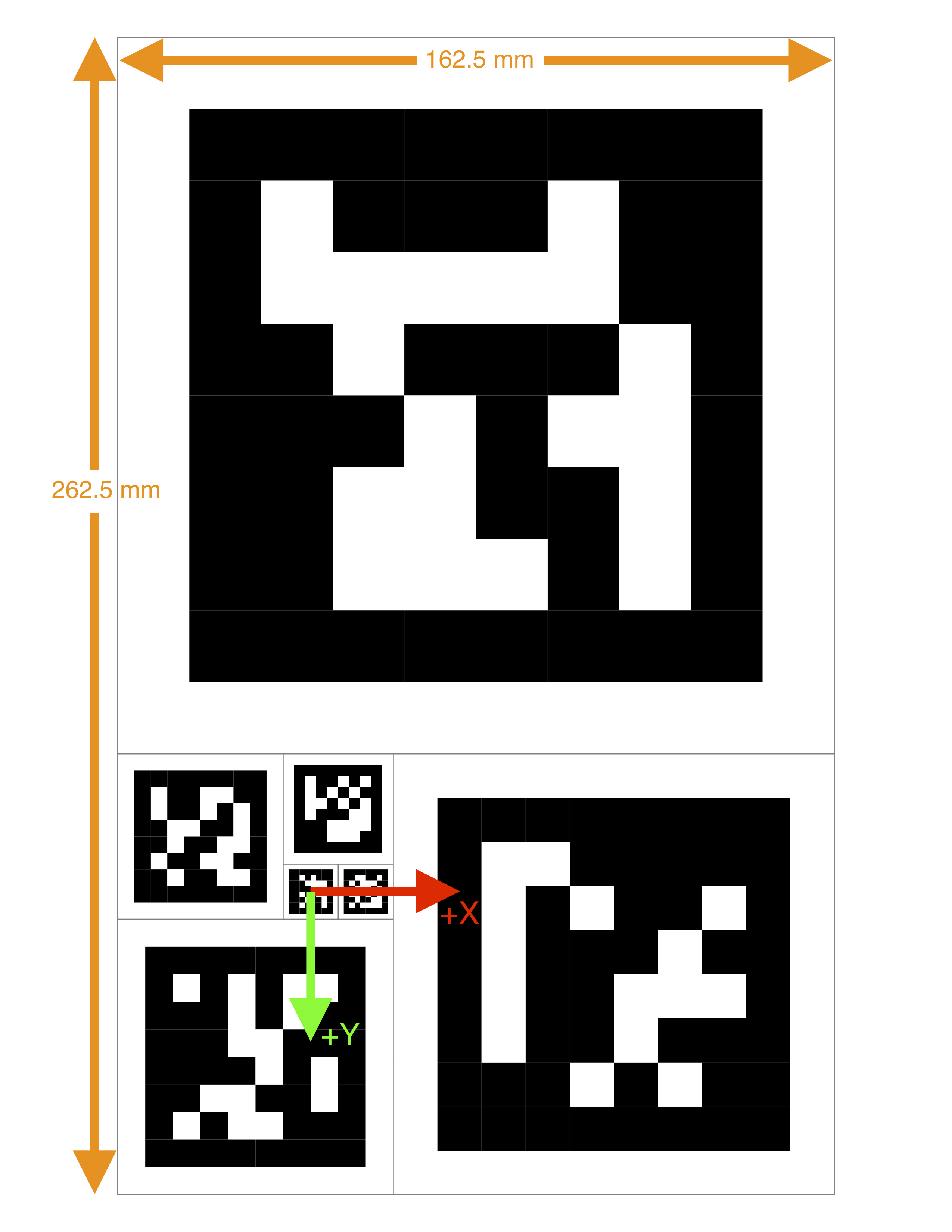
Fibonacci targets are constructed recursively with progressively larger markers. Choose a size that fits your landing platform. These targets provide a good balance between detection range and robustness.
- 62.5 mm × 100 mm: SVG · Letter PDF · A4 PDF
- 162.5 mm × 262.5 mm: SVG · Letter PDF · A4 PDF
- 1112.5 mm × 687.5 mm: SVG · A0 PDF
In the image below, the red and green arrows denote the origin, (0, 0), and the orientation of the landing target.